



















Turtlebot3-waffle_pi入门教程-启动测试
纠错,疑问,交流: 请进入讨论区或 请点击进入页面,扫码加入微信群或Q群进行交流
获取最新文章: 扫一扫加入“创客智造”公众号
欢迎加入我们的turtlebot3交流群,微信扫描右侧二维码立即进群交流

Turtlebot3-waffle_pi入门教程-启动测试
说明:
- 介绍如何启动waffle_pi
步骤:
- [Remote PC] 启动roscore
$ roscore- [TurtleBot] 启动waffle_pi
$ roslaunch turtlebot3_bringup turtlebot3_robot.launch- [Remote PC] 启动rviz
$ export TURTLEBOT3_MODEL=waffle_pi
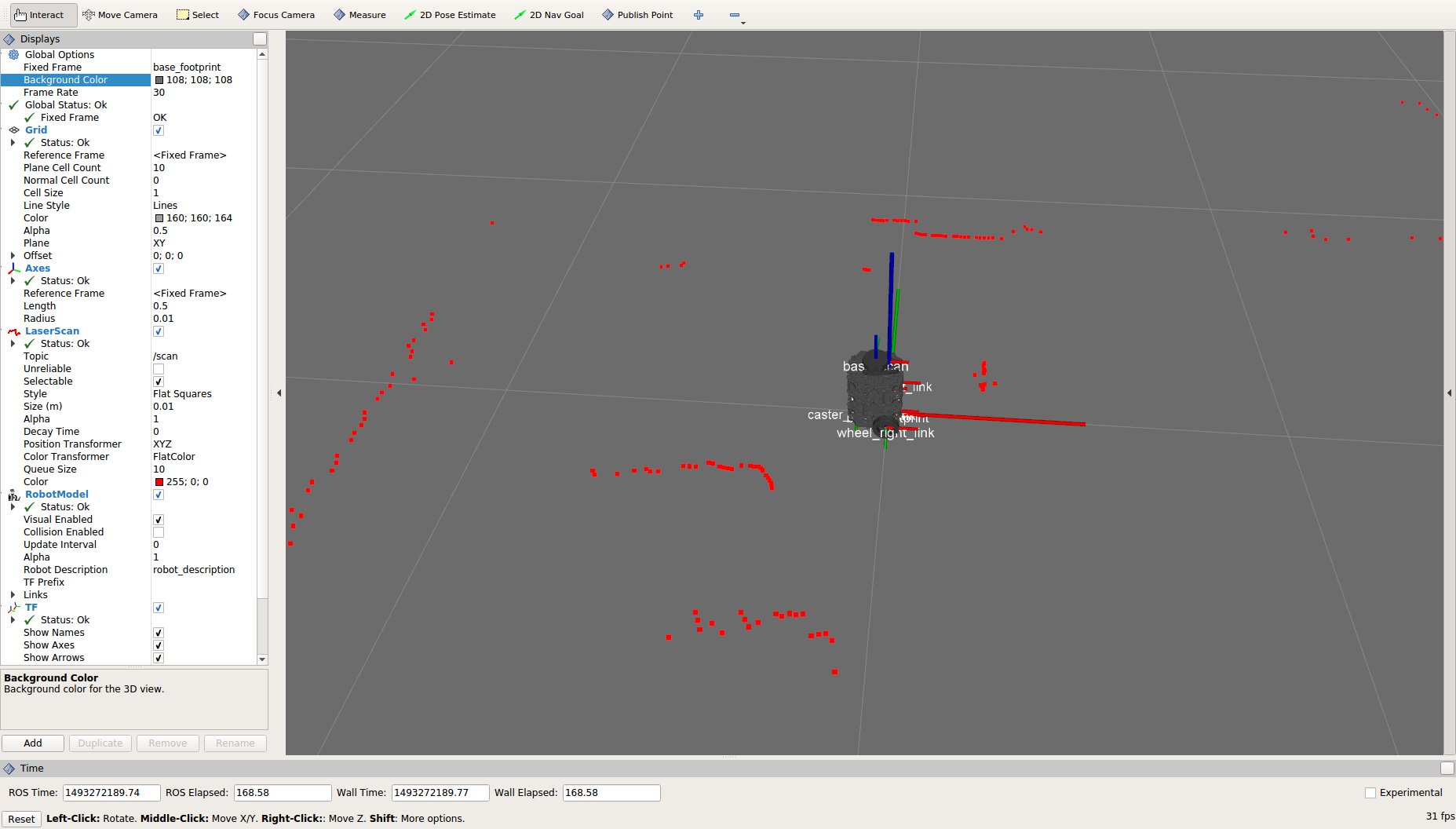
$ roslaunch turtlebot3_bringup turtlebot3_model.launch- 效果:
- [Remote PC] 查看剩余电量
$ rostopic echo /battery_state

header:
  seq: 1
  stamp:
    secs: 1623917363
    nsecs: 268977973
  frame_id: ''
voltage: 11.0799999237
current: 0.0
charge: 0.0
capacity: 0.0
design_capacity: 1.79999995232
percentage: 0.998198151588
power_supply_status: 0
power_supply_health: 0
power_supply_technology: 0
present: True
cell_voltage: []
location: ''
serial_number: ''
---
header:
  seq: 2
  stamp:
    secs: 1623917363
    nsecs: 303977973
  frame_id: ''
voltage: 11.0600004196
current: 0.0
charge: 0.0
capacity: 0.0
design_capacity: 1.79999995232
percentage: 0.996396422386
power_supply_status: 0
power_supply_health: 0
power_supply_technology: 0
present: True
cell_voltage: []
location: ''
serial_number: ''- 其中
voltage为当前电压值
纠错,疑问,交流: 请进入讨论区或 请点击进入页面,扫码加入微信群或Q群进行交流
获取最新文章: 扫一扫加入“创客智造”公众号
欢迎加入我们的turtlebot3交流群,微信扫描右侧二维码立即进群交流