



















ROS2与Open-RMF仿真教程#Jazzy版#-安装rmf_traffic_editor
纠错,疑问,交流: 请进入讨论区或 请点击进入页面,扫码加入微信群或Q群进行交流
获取最新文章: 扫一扫加入“创客智造”公众号
文章说明
- 本教程主要介绍如何安装rmf_traffic_editor工具
rmf_traffic_editor概述
rmf_traffic_editor:GUI编辑器rmf_building_map_tools:基于Python的工具,用于使用和操作由rmf_traffic_editor创建的地图文件
- building_map_server:ROS2节点,使用rmf_building_map_msgs提供地图服务
- 可将地图文件转换为Gazebo或导航系统(如 rmf_core / rmf_ros2)可用的格式
- 用于下载Gazebo模型的脚本工具,如pit_crew、building_map_model_downloader等-
rmf_traffic_editor_assets:包含Gazebo模型缩略图等资源文件,供traffic_editor编辑器使用 -
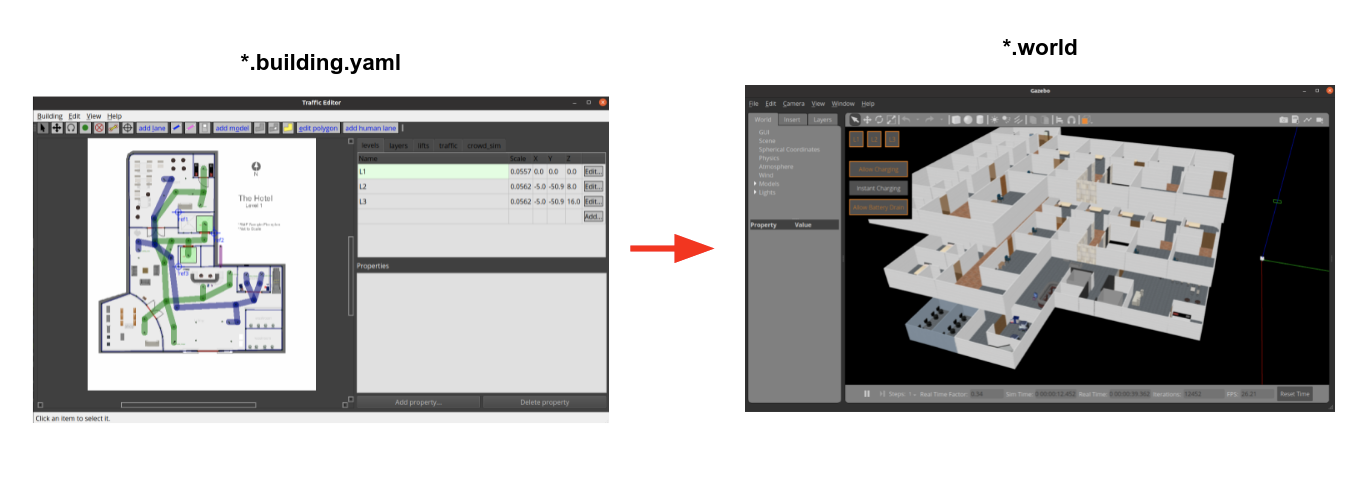
rmf_traffic_editor包含一个图形界面和相关工具,用于根据建筑草图平面图生成仿真用的.world文件 -
这些生成的
.world文件不仅可以被openrmf使用,也可供其他应用程序使用
安装步骤
- apt 安装
$ sudo apt install -y ros-${ROS_DISTRO}-rmf-traffic-editor- 安装
rmf_building_map_tools需要用到的依赖
$ sudo apt install python3-shapely python3-yaml python3-requests- 测试使用
$ traffic-editor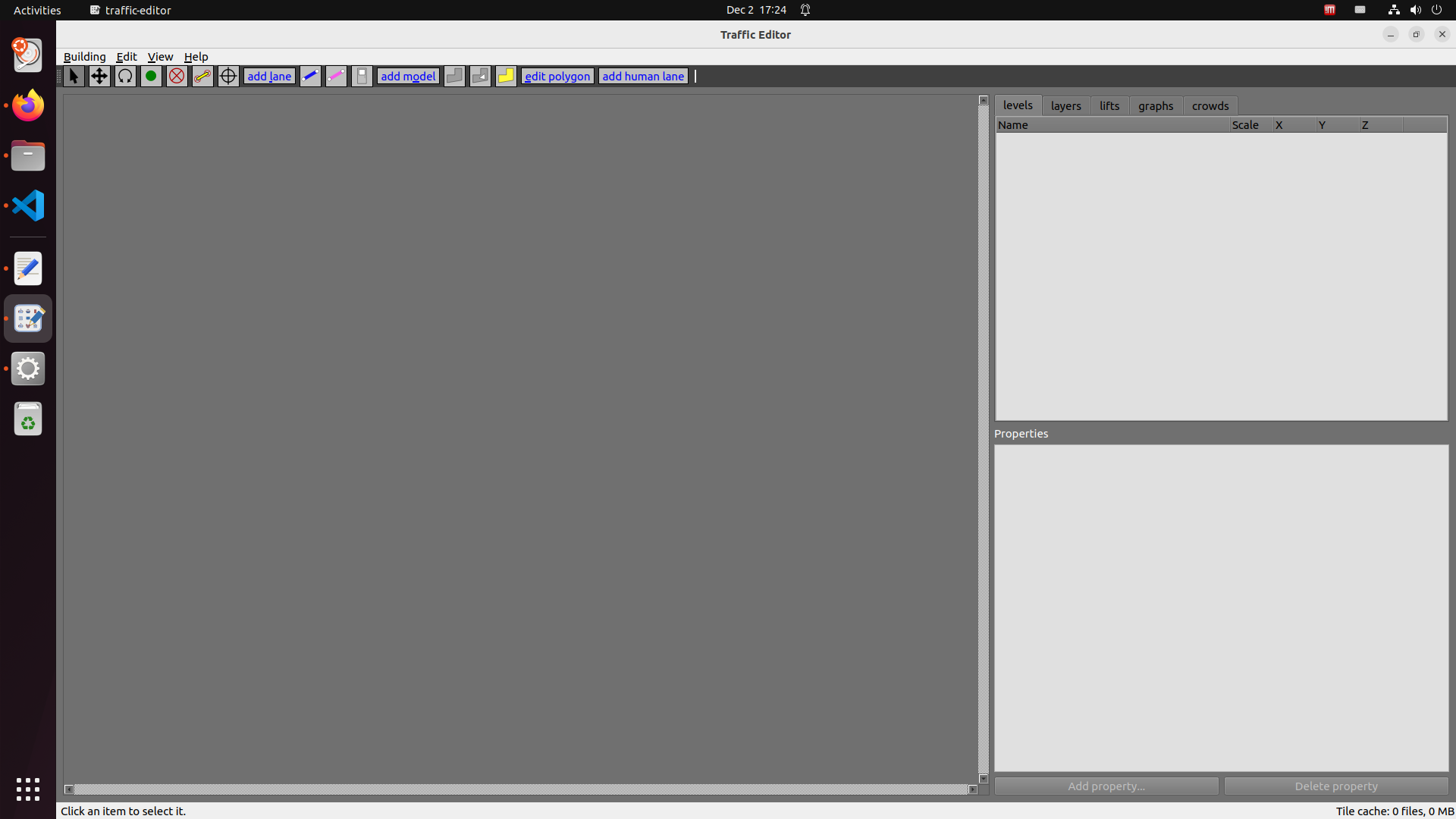
参考资料
纠错,疑问,交流: 请进入讨论区或 请点击进入页面,扫码加入微信群或Q群进行交流
获取最新文章: 扫一扫加入“创客智造”公众号