



















ROS2与Open-RMF仿真教程#Jazzy版#-安装rmf_site
纠错,疑问,交流: 请进入讨论区或 请点击进入页面,扫码加入微信群或Q群进行交流
获取最新文章: 扫一扫加入“创客智造”公众号
文章说明
- 本教程主要介绍如何安装新版本的地图编辑器
rmf_site - 测试环境:
WSL2+Ubuntu 24.04+NVIDIA GeForce RTX 3060 Ti
rmf_site概述

rmf_site是一个基于Bevy+Rust的地图编辑器,用于在RMF生态中构建与编辑复杂建筑/机器人场景- 其核心价值在于把
RMF场景配置从“文本+脚本”提升到“可视化交互+扩展插件化”层面 - 虽还处于实验阶段、功能有待完善,但它代表了
RMF生态在工具链上的一次较大跃迁尝试
安装步骤
rmf_site运行时需要用到GPU环境,故需要在带NVIDIA显卡的电脑下安装- 其支持两种构建方式:
Desktop(Windows / Linux / macOS)和Web(通过 WebAssembly + WebGL/WebGPU) - 但
WebAssembly版本在保存/加载map文件方面还不完善,故在本教程对此部分不进行过多阐述
Ubuntu下cargo安装
- 快速安装
$ sudo apt-get update -y
$ sudo apt-get install -y python3-pip
$ pip install git+https://github.com/colcon/colcon-cargo.git --break-system-packages
$ pip install git+https://github.com/colcon/colcon-ros-cargo.git --break-system-packages

# Install rmf_site_editor
cargo install rmf_site_editor
Ubuntu下分步源码安装(可选)
- 首先确保
Rust为最新版本,如果是Ubuntu自带的Rust环境,可以删除了重装最新版的
$ sudo apt remove rustc cargo- 执行以下命令,安装最新版
Rust
$ curl --proto '=https' --tlsv1.2 -sSf https://sh.rustup.rs | sh- 根据提示进行安装,通常只需进行默认安装即可
- 安装相关依赖包
$ sudo apt install libgtk-3-dev libasound2-dev libudev-dev- 下载源码
$ cd ~/ros2_rmf_ws/src/
$ git clone https://github.com/open-rmf/rmf_site- 编译
$ cargo runwin下安装
- 安装最新版
Rust| 从官网下载安装包 - 安装时,会进行
visual studio安装,其中visual studio安装完之后,需要安装完整的 C++ 编译环境
- 打开Visual Studio Installer→ 选择已安装的Visual Studio→ 点击Modify→ 勾选使用 C++ 的桌面开发→确认安装- 打开
powershell,下载源码 | 预先安装好git
$ cd d:
$ mkdir rmf_ws
$ cd rmf_ws
$ git clone https://github.com/open-rmf/rmf_site- 编译
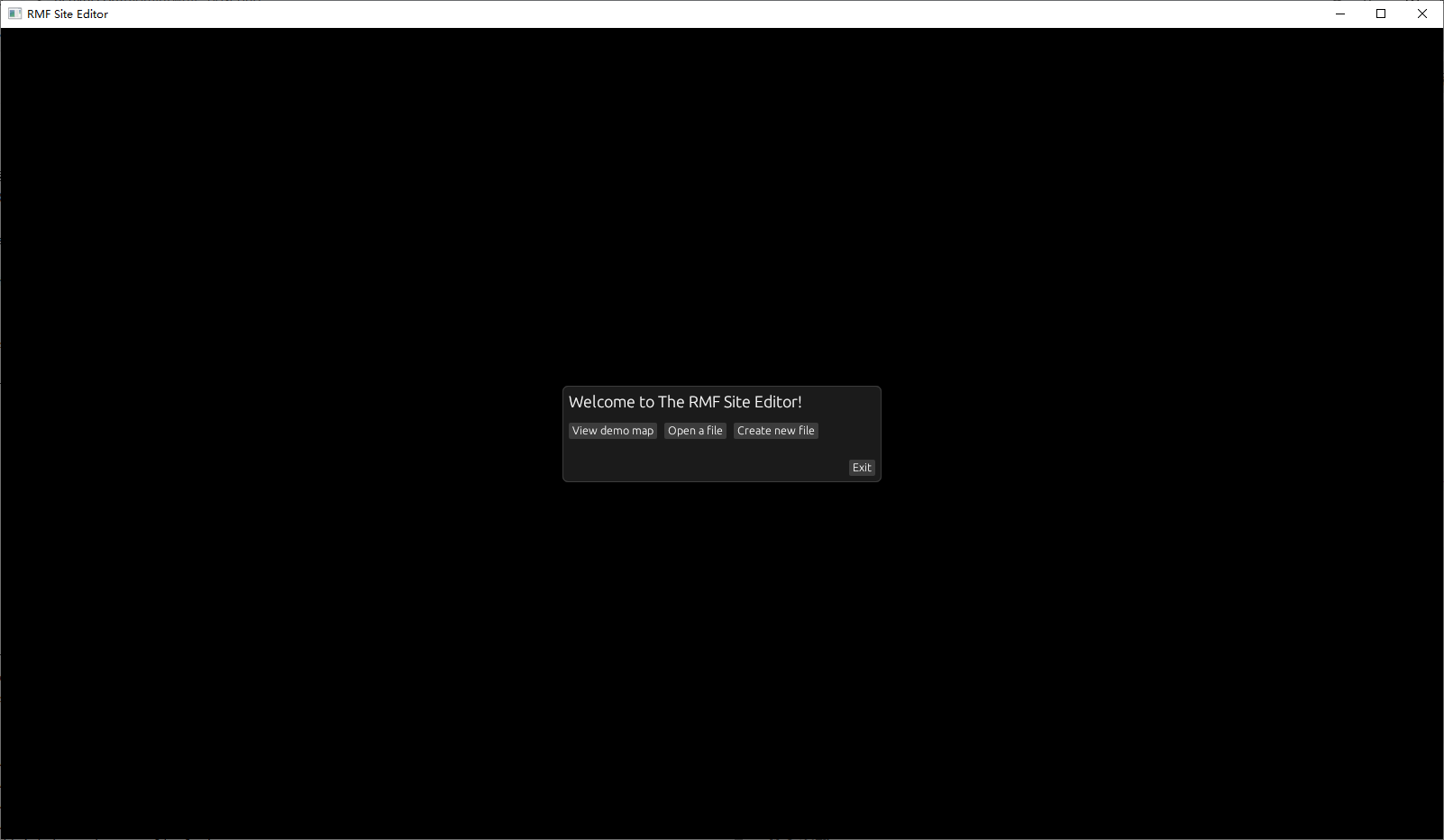
$ cargo run- 编译完成后,应该会自动打开软件
参考资料
纠错,疑问,交流: 请进入讨论区或 请点击进入页面,扫码加入微信群或Q群进行交流
获取最新文章: 扫一扫加入“创客智造”公众号