



















Ignition入门教程-ros2启动深度相机
纠错,疑问,交流: 请进入讨论区或 请点击进入页面,扫码加入微信群或Q群进行交流
获取最新文章: 扫一扫加入“创客智造”公众号
Ignition入门教程-ros2启动深度相机
说明:
- 介绍如何通过ros2启动深度相机
步骤:
- 深度相机话题
sensor_msgs/msg/Image, through ros_ign_bridge or ros_ign_image
sensor_msgs/msg/PointCloud2, through ros_ign_point_cloud- 新终端,执行命令,通过桥接启动
ros2 launch ros_ign_gazebo_demos image_bridge.launch.py image_topic:=/depth_camera- 通过Ignition Gazebo 插件
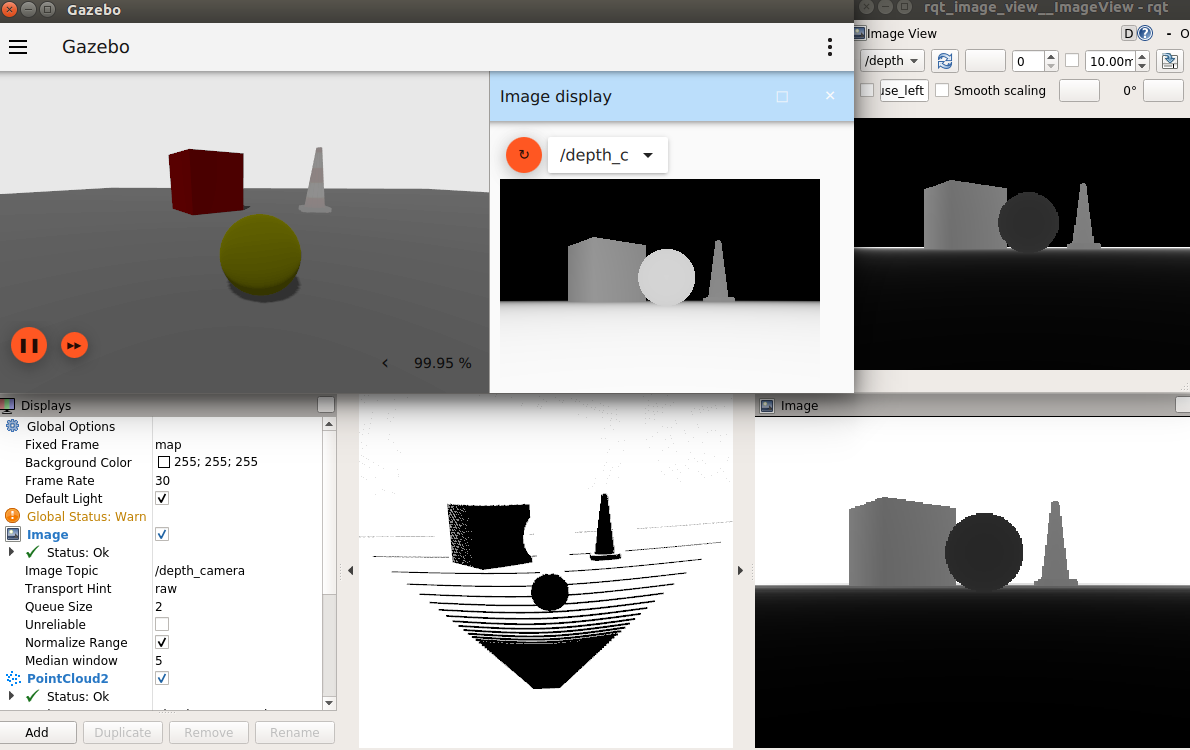
ros2 launch ros_ign_gazebo_demos depth_camera.launch.py- 效果图
纠错,疑问,交流: 请进入讨论区或 请点击进入页面,扫码加入微信群或Q群进行交流
获取最新文章: 扫一扫加入“创客智造”公众号